Edit, Enhance & Restore Photos
Restovue brings powerful photo editing, enhancement, restoration and everyday image utilities together in one beautifully simple Android app. Edit privately, even without an internet connection.
100% Offline
No internet needed for core editing tools.
Privacy First
Your photos stay on your device during local editing.
Fast & Lightweight
Powerful everyday editing without unnecessary complexity.
Everything You Need for Photo Editing
From quick enhancements to advanced edits, Restovue gives you a complete collection of creative and practical photo tools in one place.
Edit & Enhance
Fine-tune exposure, brightness, contrast, colors, and clarity.
50+ Photo Filters
Apply creative looks and adjust filter intensity.
Crop & Resize
Crop, rotate, straighten, and resize images.
Perspective & Straighten
Correct keystoning, angle distortion, and fine degrees.
Retouch & Heal
Remove small marks, blemishes, and distractions.
Clone Stamp
Copy nearby image details to repair selected areas.
Background Tools
Remove, replace, or blur image backgrounds.
Text & Typography
Add captions and customize text on photographs.
Stickers & Frames
Decorate photos with creative elements.
Liquify & Warp
Sculpt details with push, pinch, expand, and twirl tools.
Batch Photo Editor
Apply supported edits to multiple images together.
Image Compression
Reduce image file sizes while controlling quality.
Target KB Size
Prepare images for specified file-size requirements.
Format Conversion
Convert images between supported formats.
Passport & ID Photos
Prepare photos with required dimensions and positioning.
Document Cleanup
Crop, straighten, and improve photographed documents.
Photo Collage
Combine multiple photographs into one composition.
HDR Merge
Combine bracketed exposures for improved tonal range.
Panorama Stitching
Combine overlapping photographs into panoramas.
Export & Sharing
Save and share edited photographs in supported formats.
Bring Life Back to Your Photos
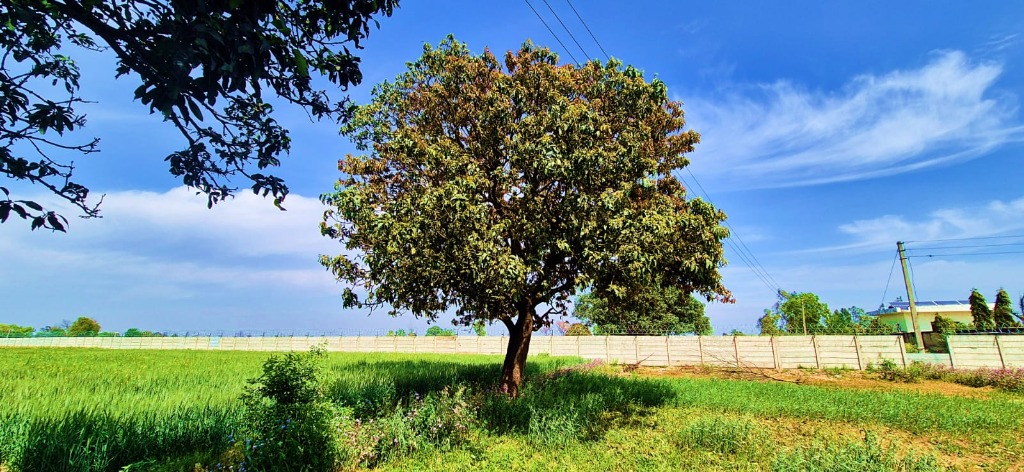
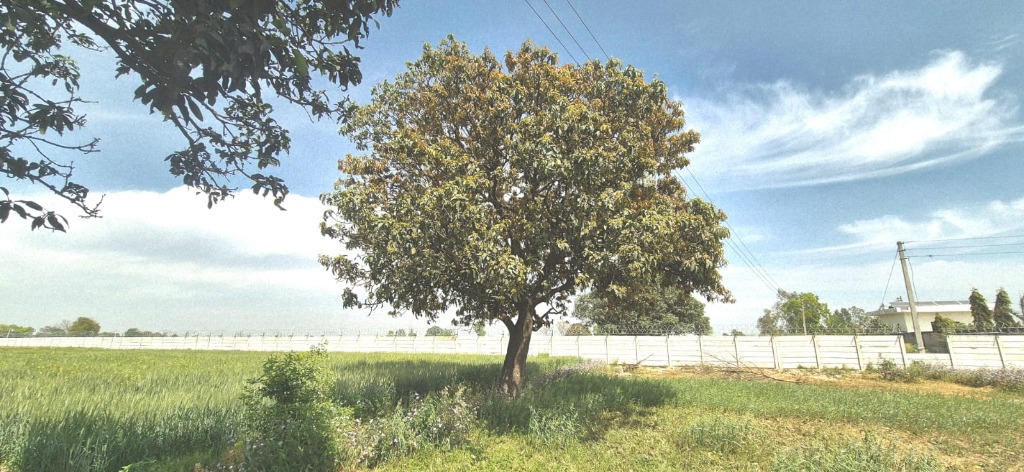
- Enhance old or dull photos
- Improve color and clarity
- Remove unwanted elements
- Create print- or passport-ready photos
Designed for Fluid Android Editing
Clean dark interfaces, immediate tactile feedback, and privacy-conscious on-device workflows.
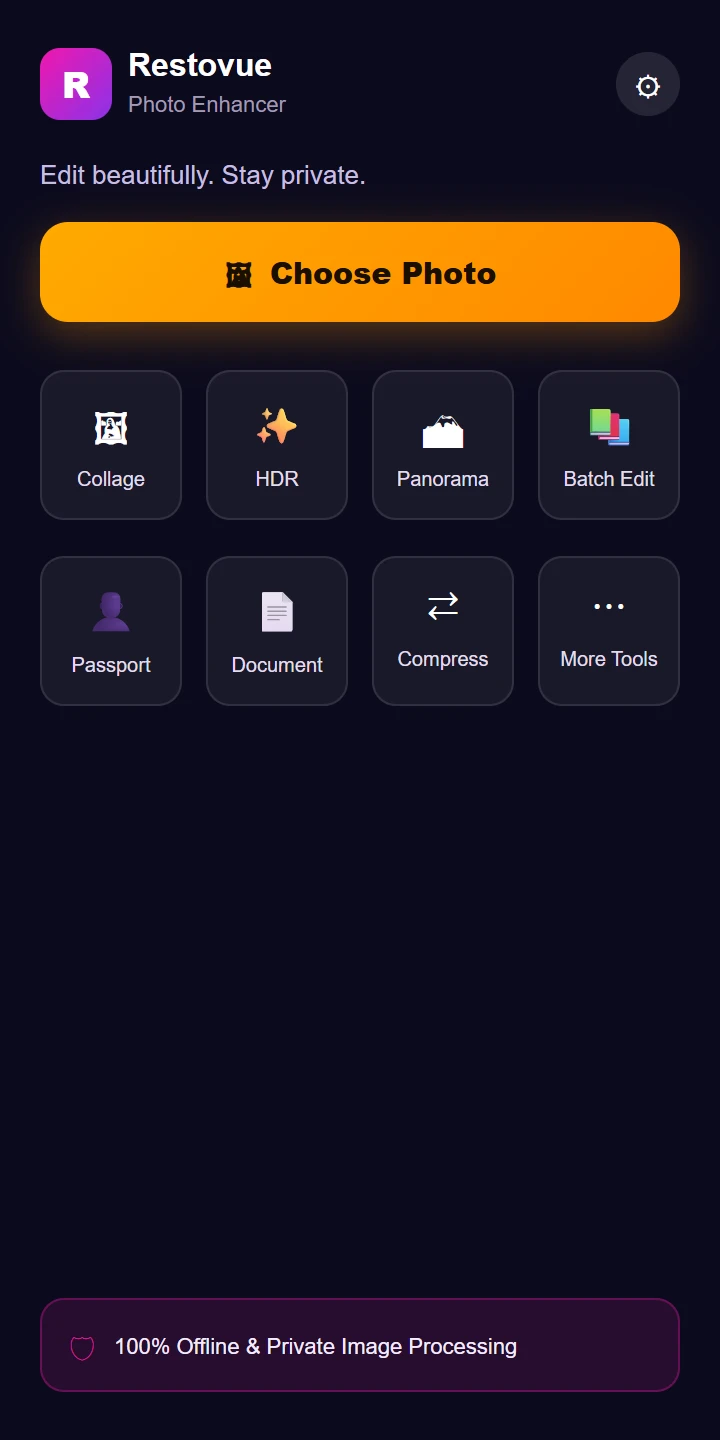
Tool Hub & Dashboard
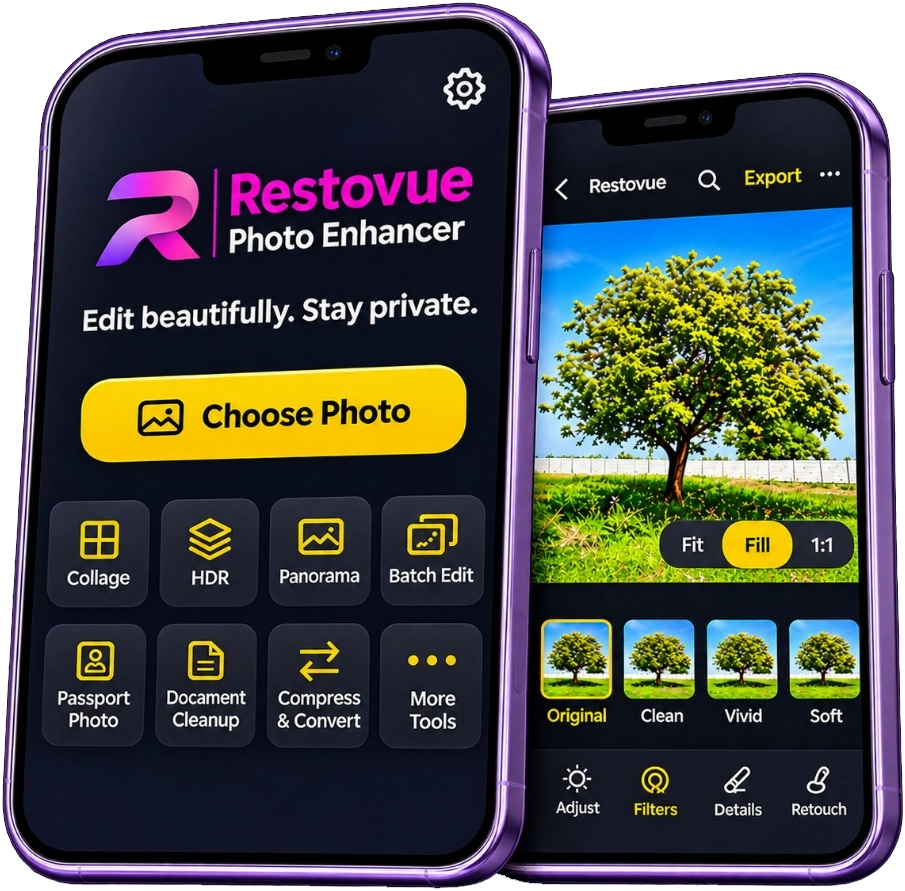
Direct access to Collage, HDR, Panoramas, and Batch tools.
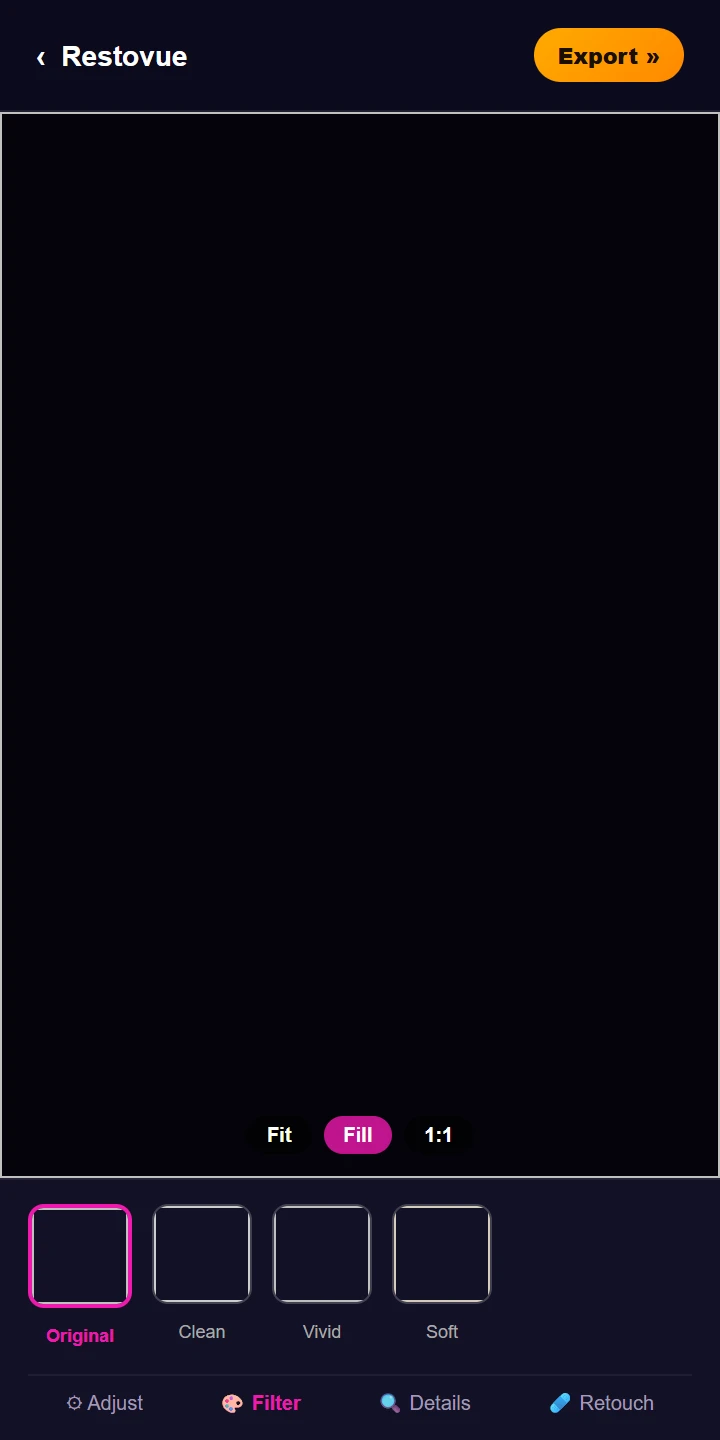
Photo Editor Canvas
Non-destructive editing with real-time exposure and color sliders.
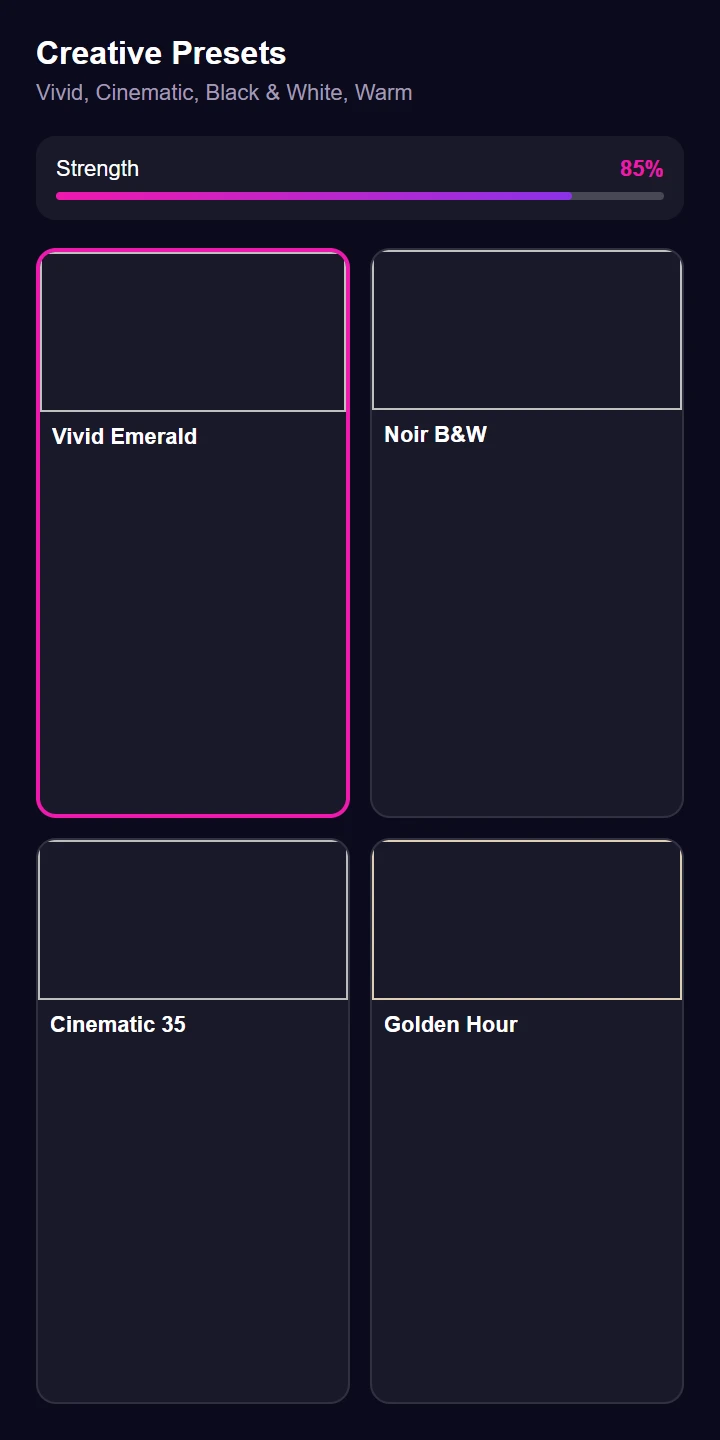
Creative Presets
Vivid, Noir B&W, and Cinematic filters with fine strength control.
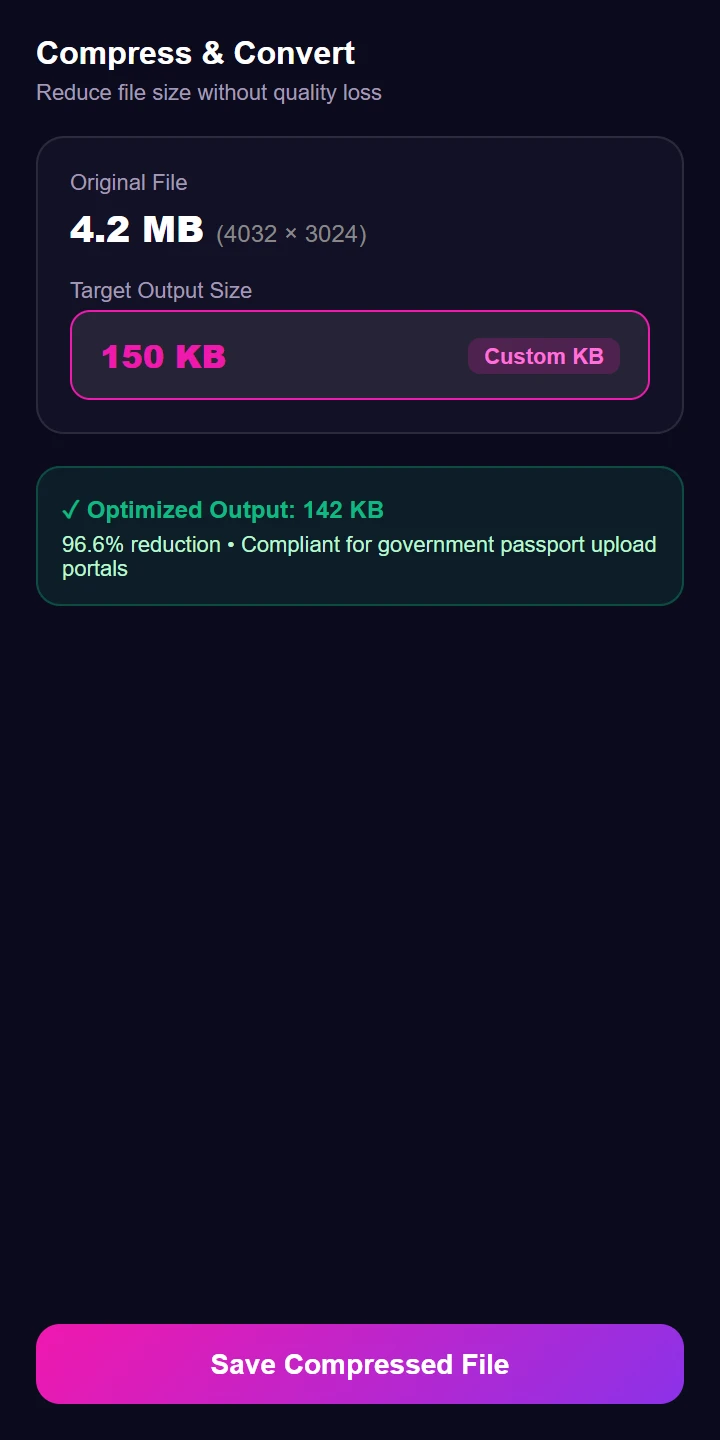
Target KB Compression
Downscale and re-encode to exact KB constraints for online forms.
Frequently Asked Questions
Everything you need to know about Restovue's offline image handling and privacy model.